GOLDEN TERRAIN / BRAND FOUNDATION
Warm. Grounded.
Made for life outside.
A first visual direction for a residential landscape design and build business based in Vista and Oceanside. The identity pairs the warmth of Southern California with clear, practical communication.
01 / THE IDENTITY
A landscape, in a few lines.
 Golden TerrainLANDSCAPE DESIGN & BUILDGolden TerrainLANDSCAPE DESIGN & BUILD
A rising sun and flowing ground contours connect “Golden” and “Terrain.” This is a draft raster symbol paired with live typography. Final vector artwork should follow approval of the direction.
02 / COLOR
Sun-warmed neutrals. Deep olive.
Deep olive
#263B30 · Text & buttons
Warm cream
#F5F2E9 · Main canvas
Sandstone
#E7DECE · Section color
Muted gold
#9D7842 · Large accents
Soft white
#FCFAF5 · Forms & contrast
Use olive and cream for readable everyday content. Keep gold to large headings and decorative accents. Avoid bright yellow, metallic gradients and black-and-gold luxury clichés.
03 / TYPOGRAPHY
DM Serif Display · Headings
A better backyard.
A little more living.
Characterful, warm and spacious. Use sentence case and short headlines.
Manrope · Body & navigation
Thoughtful spaces.
Clear next steps.
A clean counterpoint for descriptions, navigation and forms. Use plain language and avoid long technical explanations.
04 / VOICE & POSITIONING
Quality you can understand.
| Element | Direction |
|---|---|
| Audience | North County homeowners planning complete backyard installations or substantial outdoor improvements. |
| Core message | A cohesive outdoor space, planned around the way you live. |
| Descriptor | Landscape Design & Build |
| Voice | Warm, clear and capable. Concrete descriptions over exaggerated promises. |
| Design process | Show how measurements, aerial views and Visual concepts help clarify a plan. Confirm site conditions and technical requirements separately. |
| Primary action | Tell us about your yard. |
| Evidence standard | Use only genuine project photography, verified reviews and confirmed credentials as proof of work. |
05 / THE HOMEPAGE
A clear path from interest to inquiry.
| Order | Section | Purpose |
|---|---|---|
| 01 | Hero & introduction | State the location, work and homeowner benefit. |
| 02 | Services | Explain whole-yard work and individual improvements. |
| 03 | Design & build process | Make the next steps understandable. |
| 04 | Concept comparison | Demonstrate a visual idea with clear concept labeling. |
| 05 | Service area | Start with Vista, Oceanside and nearby North County communities. |
| 06 | Common questions | Address planning, scope, images, pricing and timing. |
| 07 | Project inquiry | Collect the project type, contact information, ZIP code and brief. |
06 / IMAGE SYSTEM
One consistent visual language.
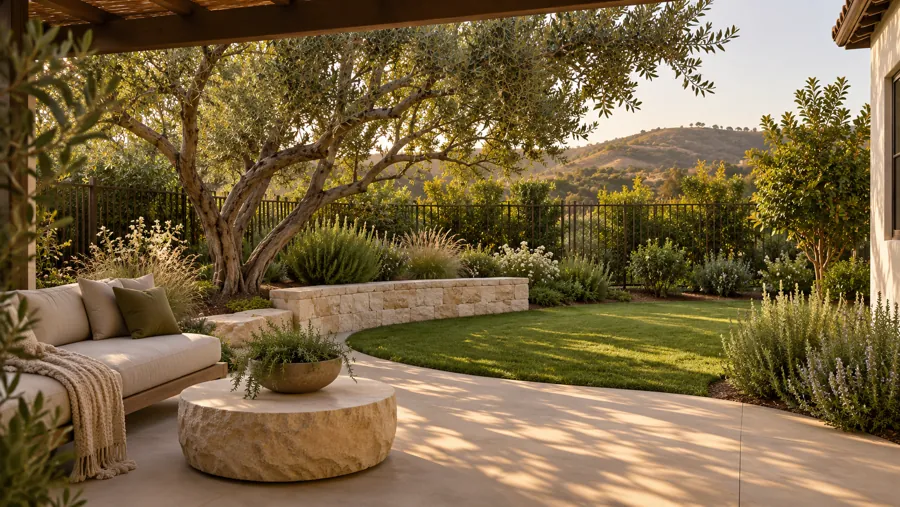
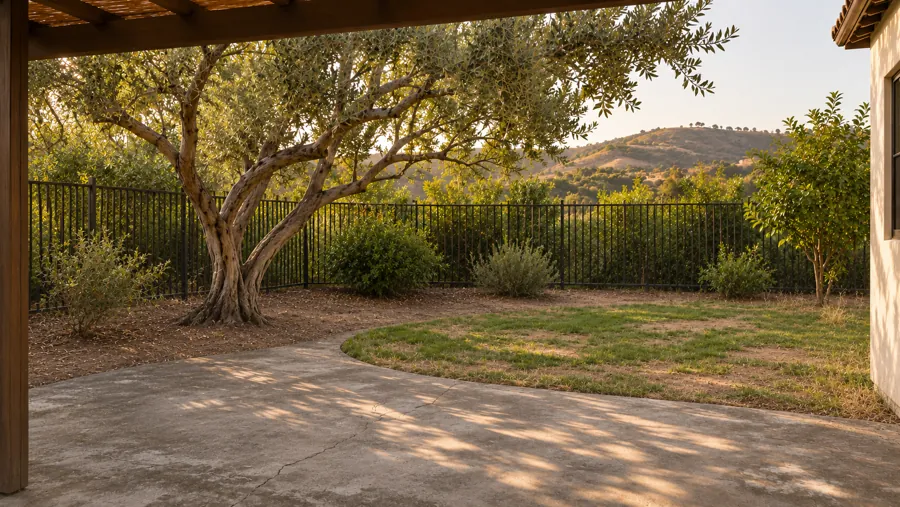
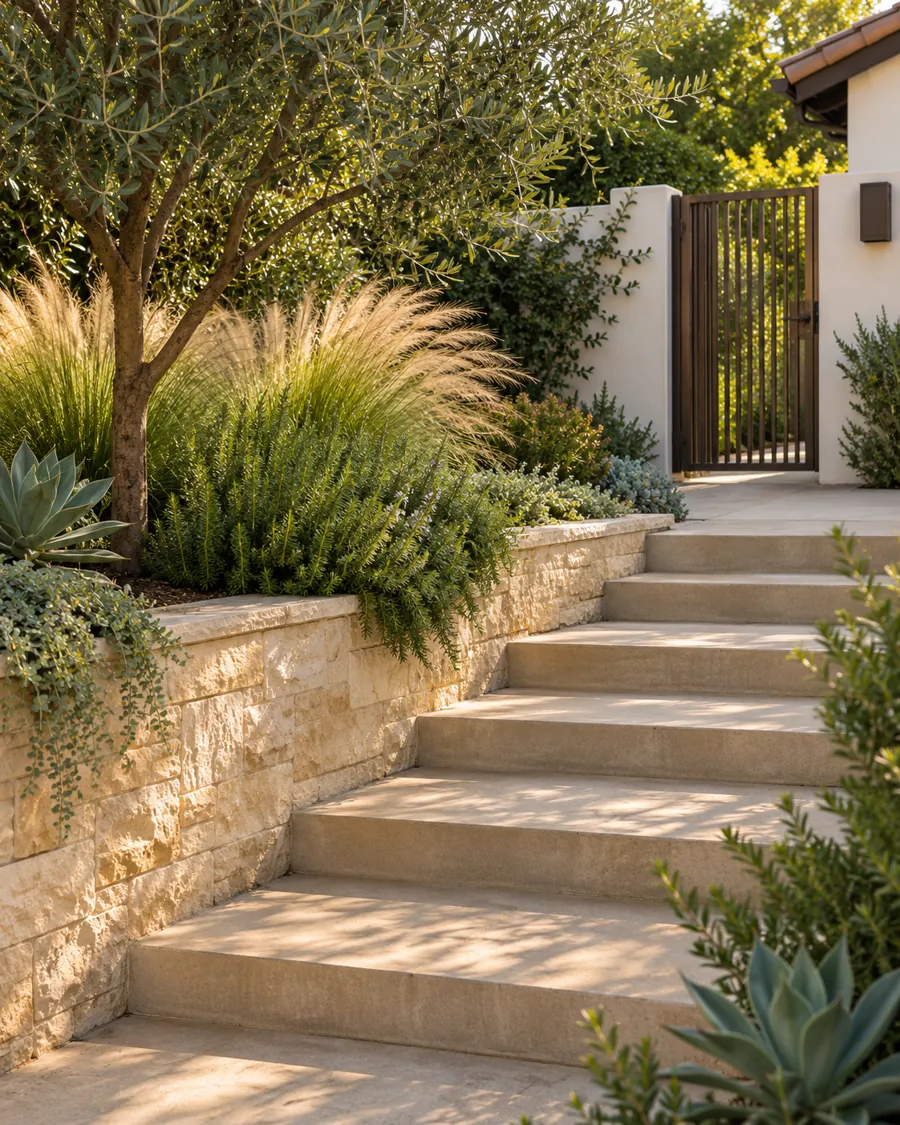
All three scenes are Illustrative illustrations. No scene is presented as completed work. Add real before-and-after pairs, jobsite details and owner/team photography when supplied.
07 / BEFORE A PUBLIC LAUNCH
The remaining decisions.
- Confirm the business phone, inquiry email or CRM destination, and desired response process.
- Register the owner-selected goldenterrainsd.com after the exact price is approved. No purchase has been made.
- Confirm the final service radius, services and ownership/team information.
- Complete the outstanding business-name review and verify any license, insurance and business details to display.
- Add genuine project photos and customer reviews when available. Replace the concept comparison only with a matching, authentic project pair.
- Activate the prepared Netlify form, review the privacy draft and test delivery end to end.
- Use the prepared Netlify package in the existing account. Preserve ClearPorch while the new project is reviewed.
- Verify the prepared domain metadata, sitemap and structured data, then enable the production build after public details and launch are confirmed. Connect Search Console.
The current site is private and marked noindex. Its form validates input and previews a brief, but sends nothing and stores no inquiry data.